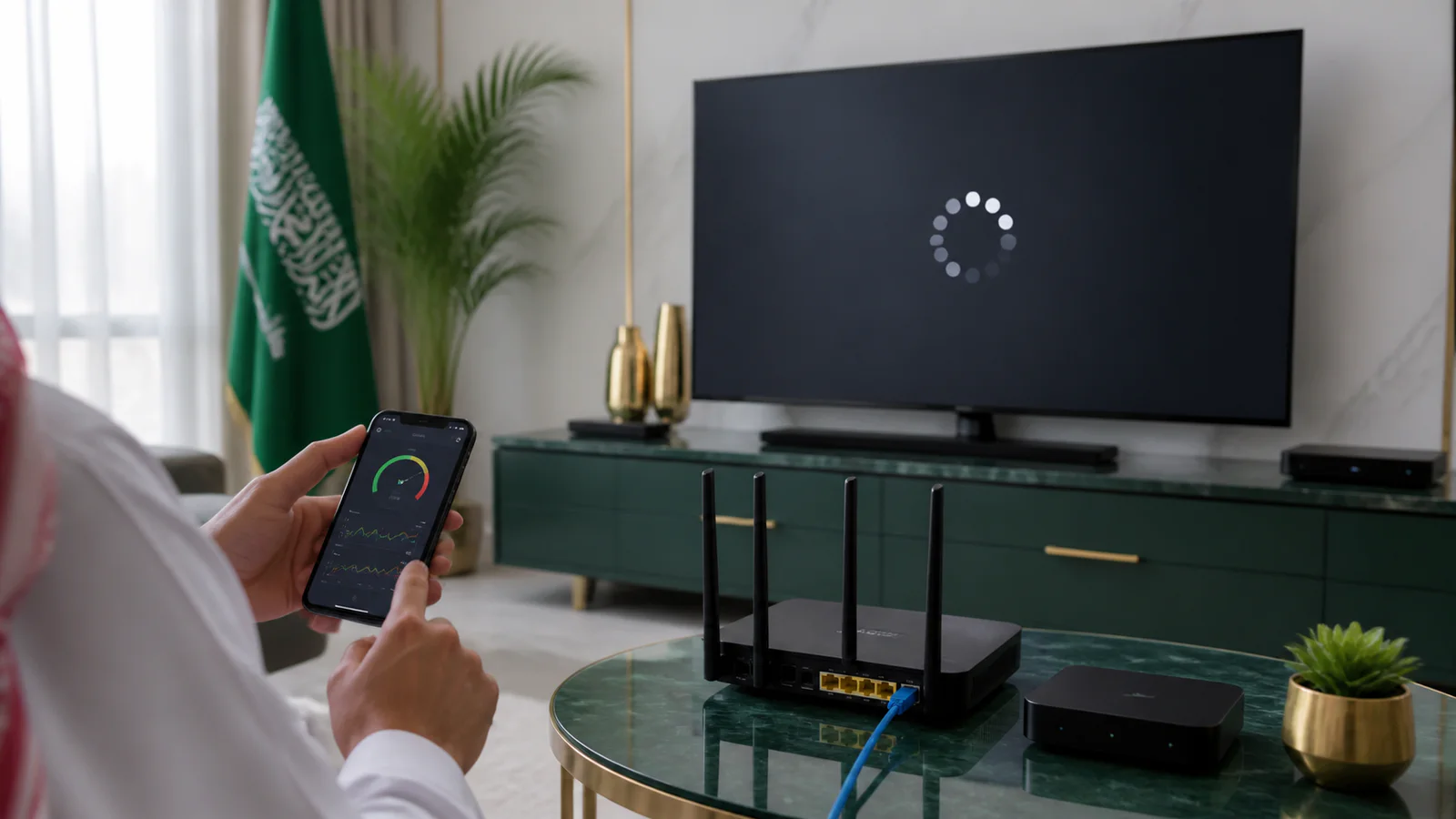

Educational guidance for customers in Saudi Arabia. We distinguish general technical principles from details that depend on a device, network, application or content source.
Define the scope
Test another channel, content category and time. If only one item fails, the source is more likely than the entire home network. If every application on the device is slow, begin with the device and connection.
- One item or everything?
- One device or every device?
- Constant or time-specific?
Measure at the viewing device
Run a speed test where the television or box is located, not beside the router. Compare Wi-Fi with Ethernet, pause downloads and inspect latency and stability rather than headline speed alone. A fast but unstable link can still buffer.
Reset and document
Restart the application, device and router, refresh the list and test a lower resolution. If the problem remains, send the application, device, channel, time, connection type and test result to support. This evidence makes the next step much faster.
Frequently asked questions
Does changing DNS always fix buffering?
No. DNS mainly affects name resolution; it does not repair weak Wi-Fi, congestion, a slow device or a poor source.
Is Ethernet always better?
A good cable is usually more stable than congested Wi-Fi, although the router, cable and device port still matter.
Why does buffering happen only at night?
Evening congestion can occur on the home network, local provider network or content source. Time-specific tests help isolate it.