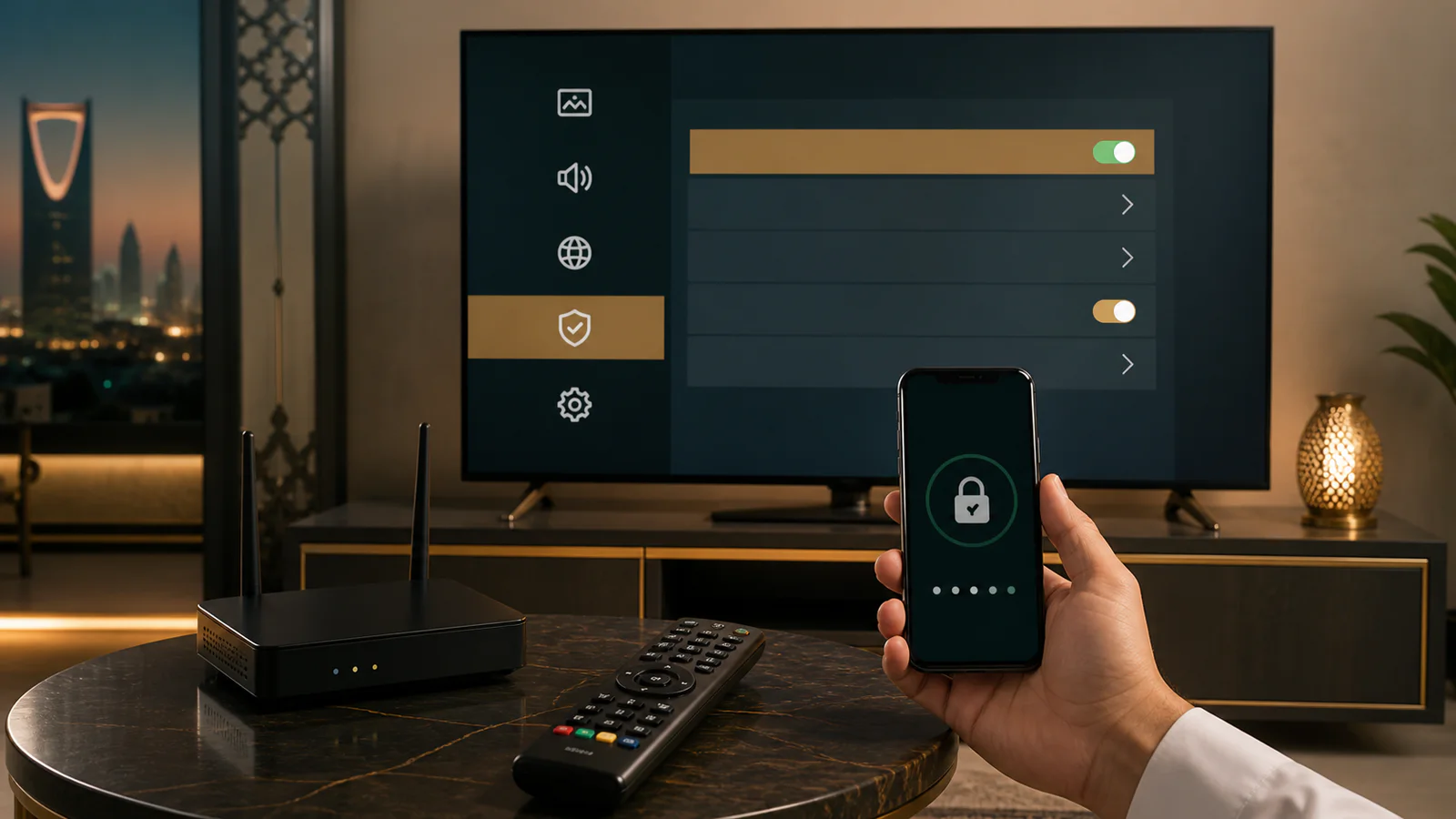

Educational guidance for customers in Saudi Arabia. We distinguish general technical principles from details that depend on a device, network, application or content source.
Use trusted applications
Prefer official stores, verify the developer and review permissions. Avoid modified packages and websites that ask you to disable security settings without a clear technical reason.
Protect accounts and the network
Update the television and router, use a strong unique Wi-Fi password and disable remote-management features you do not use. Keep email, store and payment credentials separate from IPTV access details.
Share only what support needs
A useful support request includes the device, application and error. It does not require your email password, Wi-Fi password, verification code or card information. Hide access URLs in screenshots.
Frequently asked questions
Should I grant every application permission?
No. Deny permissions unrelated to playback and remove applications you no longer use.
Can I share my access link with friends?
Do not share or publish credentials. Exposure can lead to misuse, connection conflicts or loss of access.
What if credentials are exposed?
Contact official support promptly, explain when exposure occurred and avoid reposting the same details.